To receive Bitcoin payments from your ÉclairBTC Point of Sale, you need to set up your own private non-custodial Blink wallet on your phone or tablet and choose your own unique Blink lightning address.
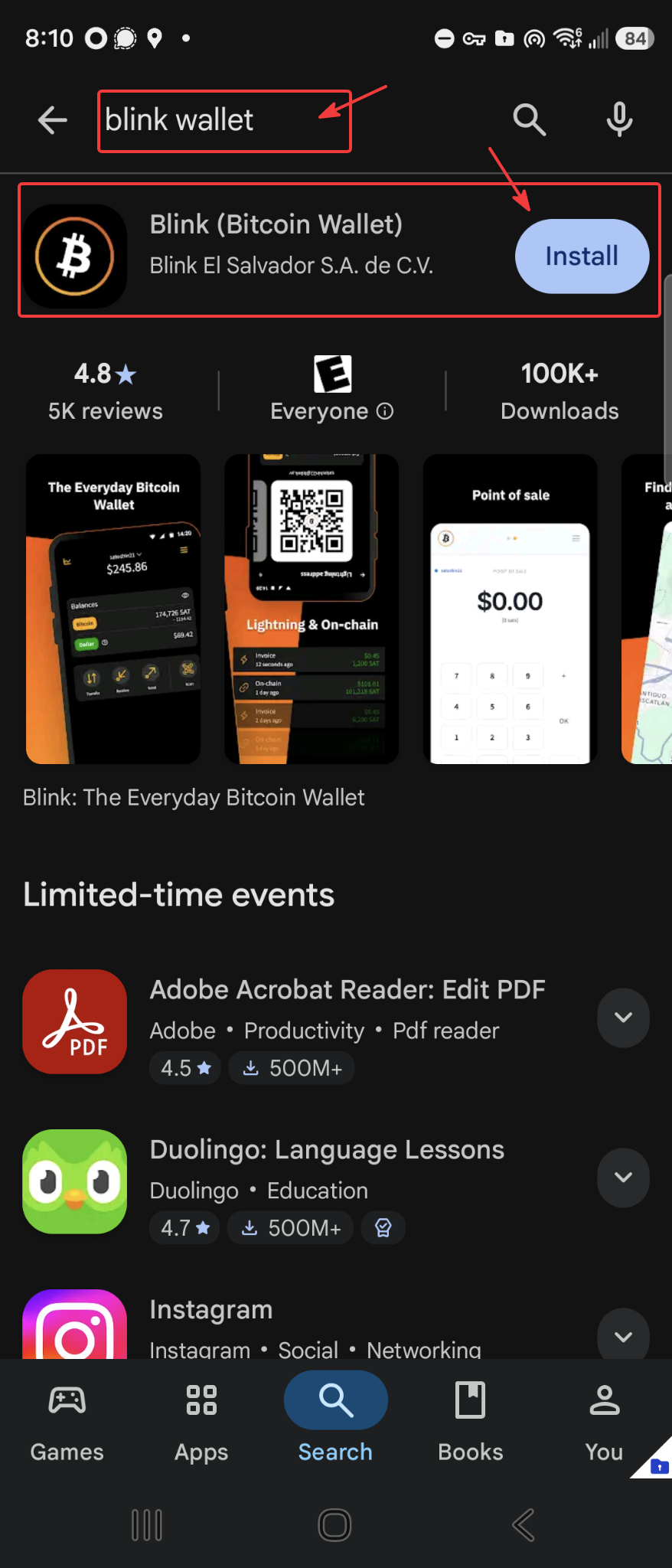
Step 1: On your phone, go to Google Play or Apple's App Store, search for "Blink Wallet" and install the app.
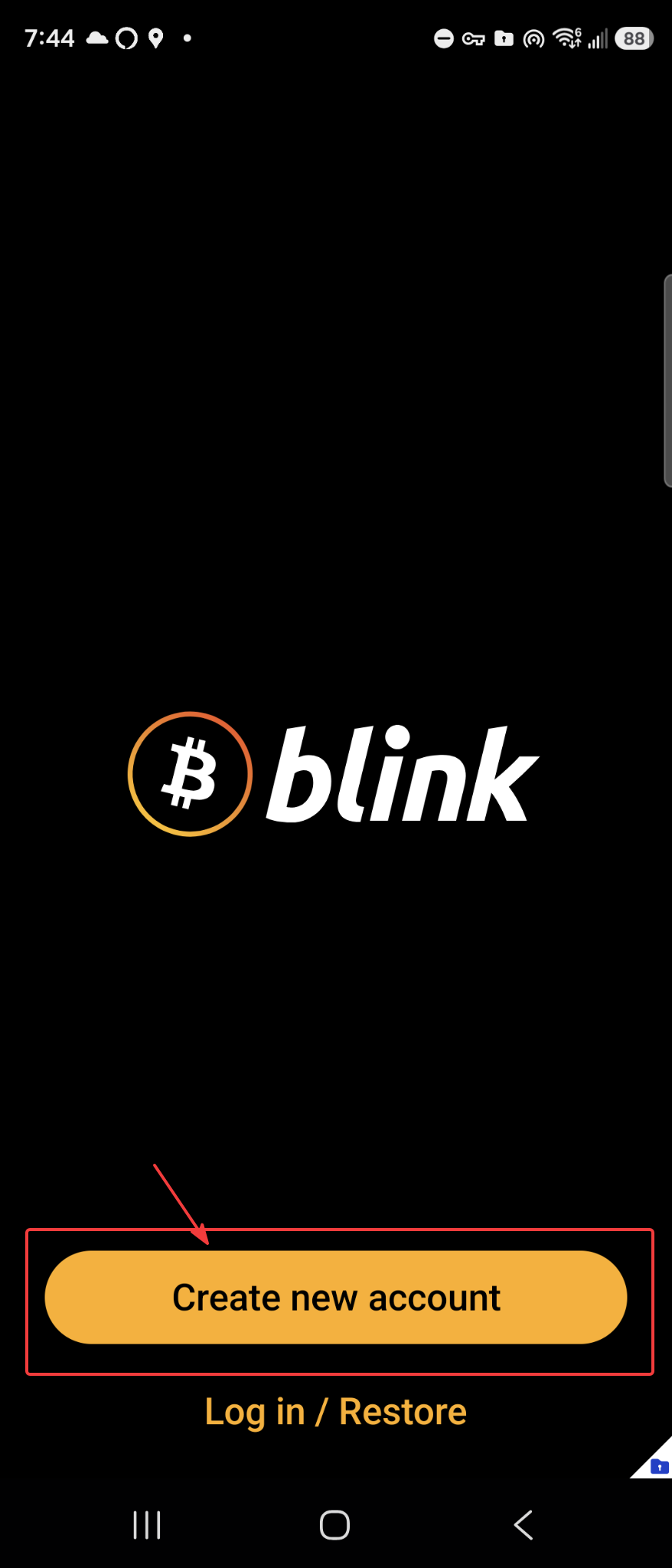
Step 2: Launch Blink Wallet and create a new account.
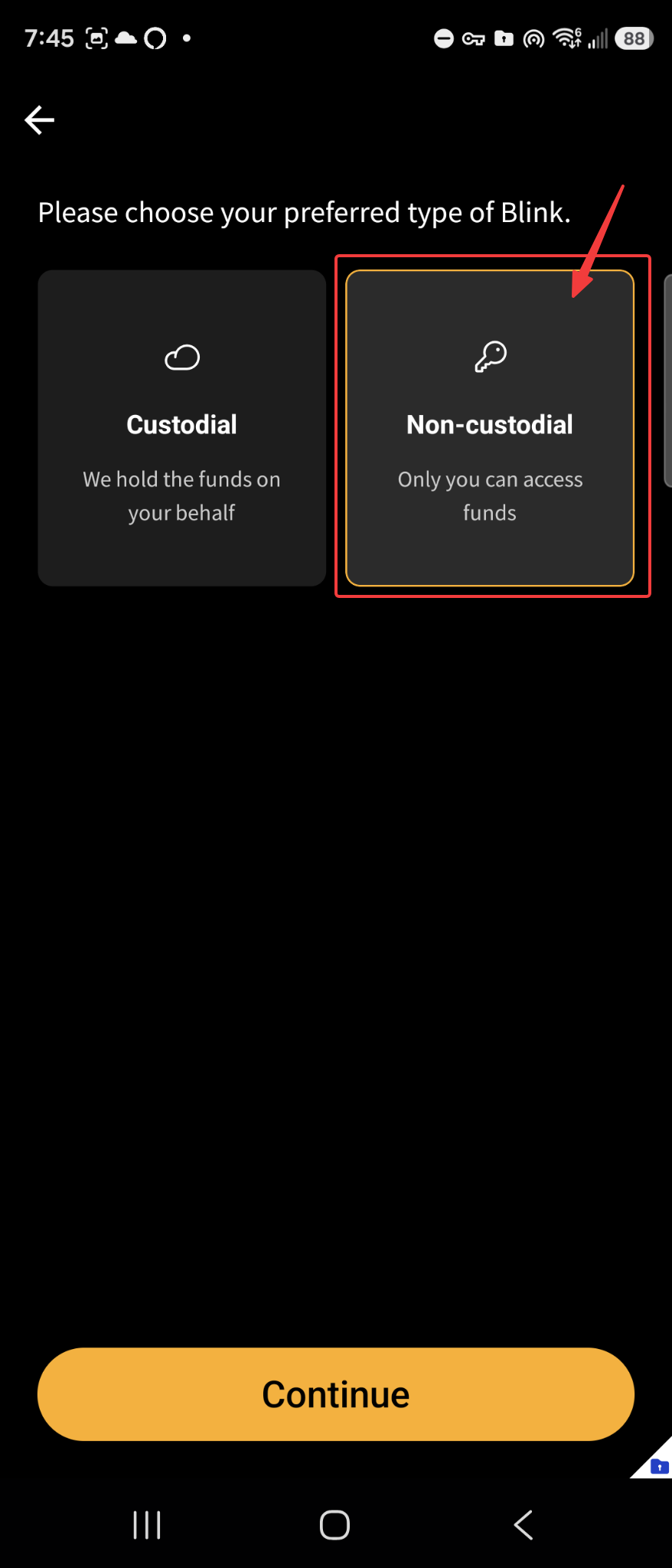
Step 3: Selet "Non-custodial."
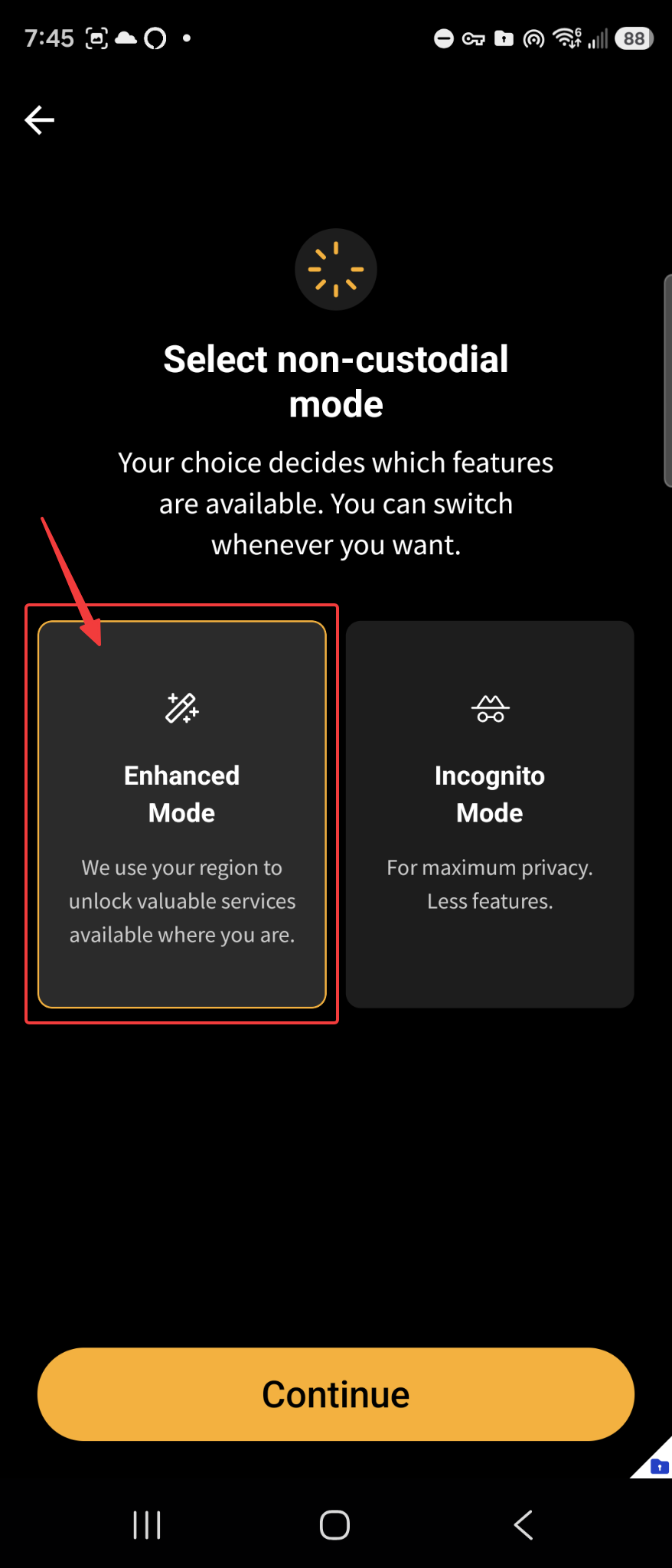
Step 4: Select "Enhanced Mode."
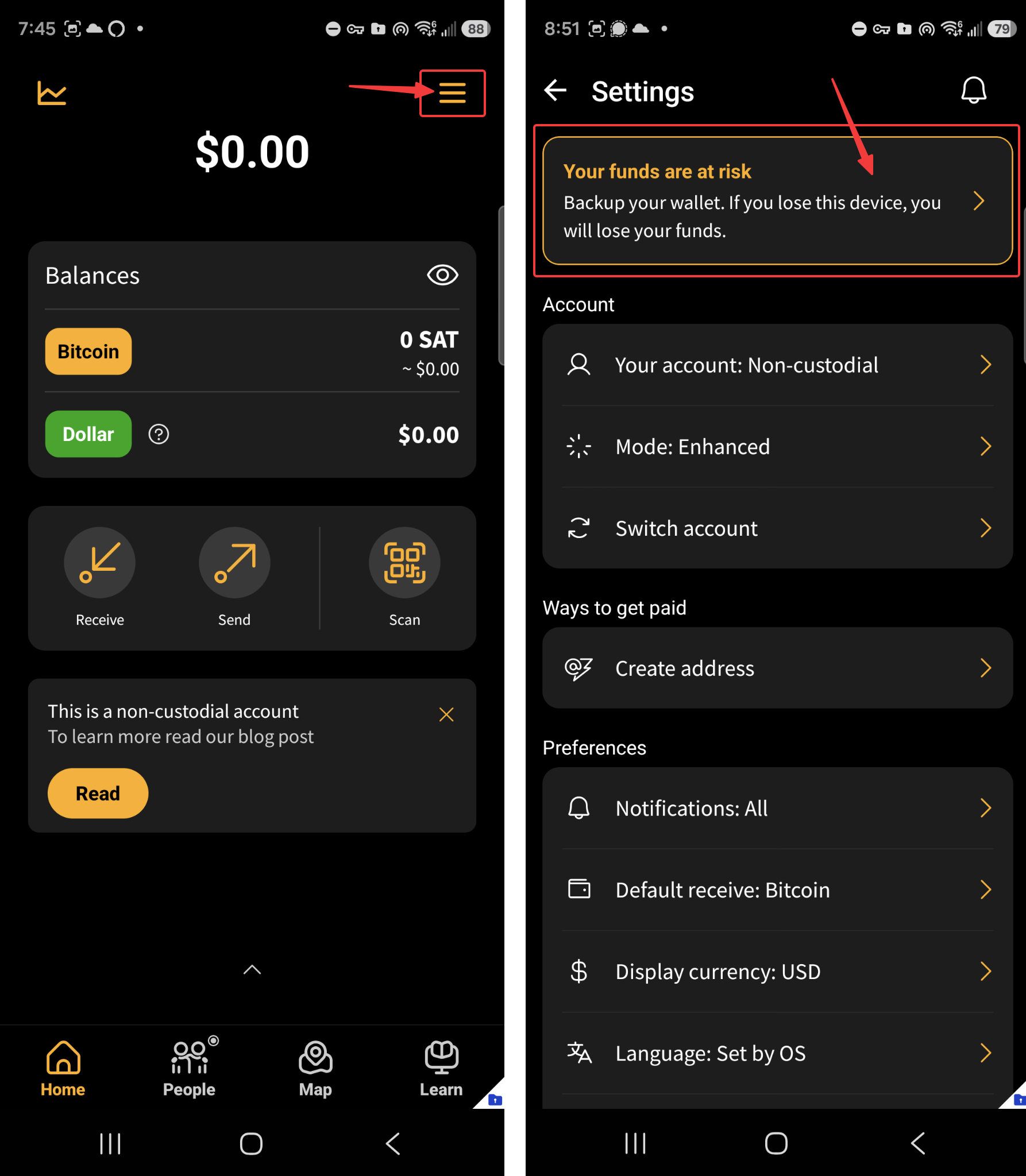
Step 5: The main Blink Wallet screen will now appear.
Open the Settings menu and click on "Backup your Wallet."
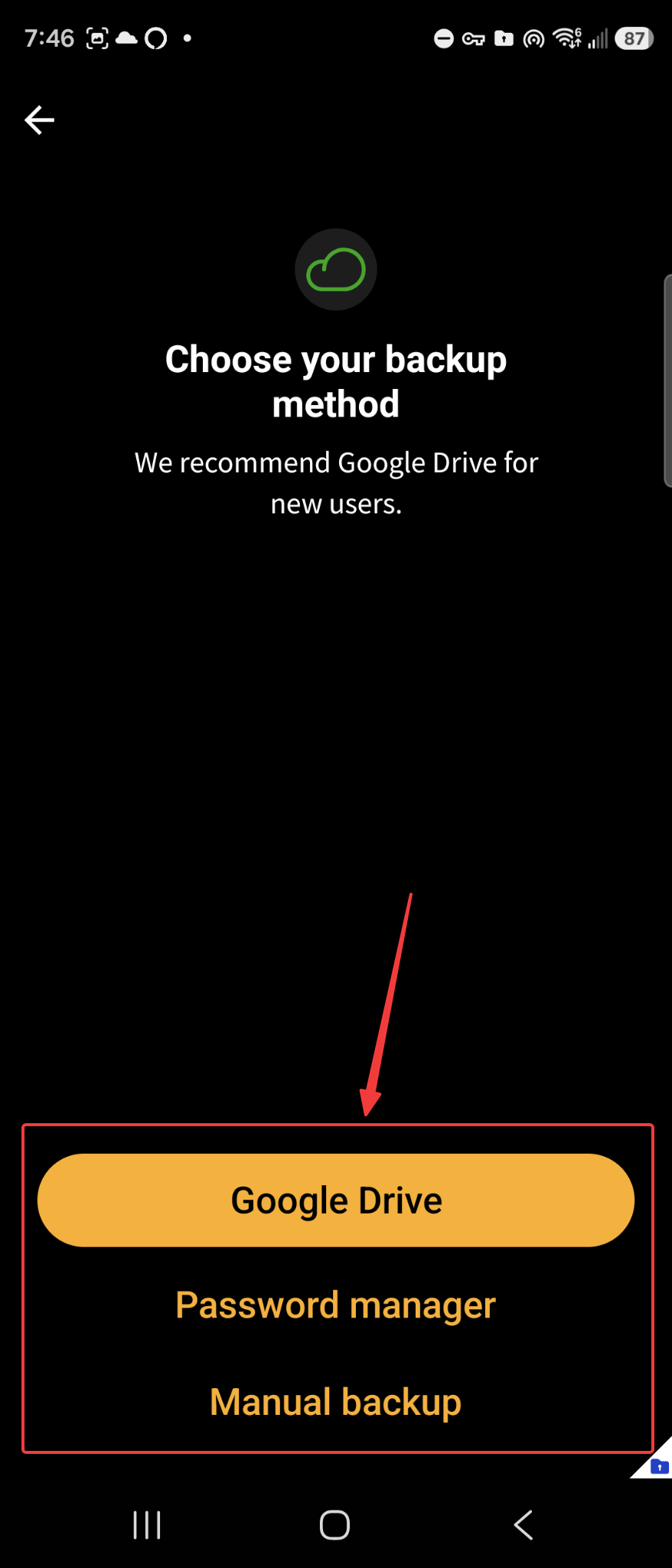
Step 6: Choose your preferred backup option.
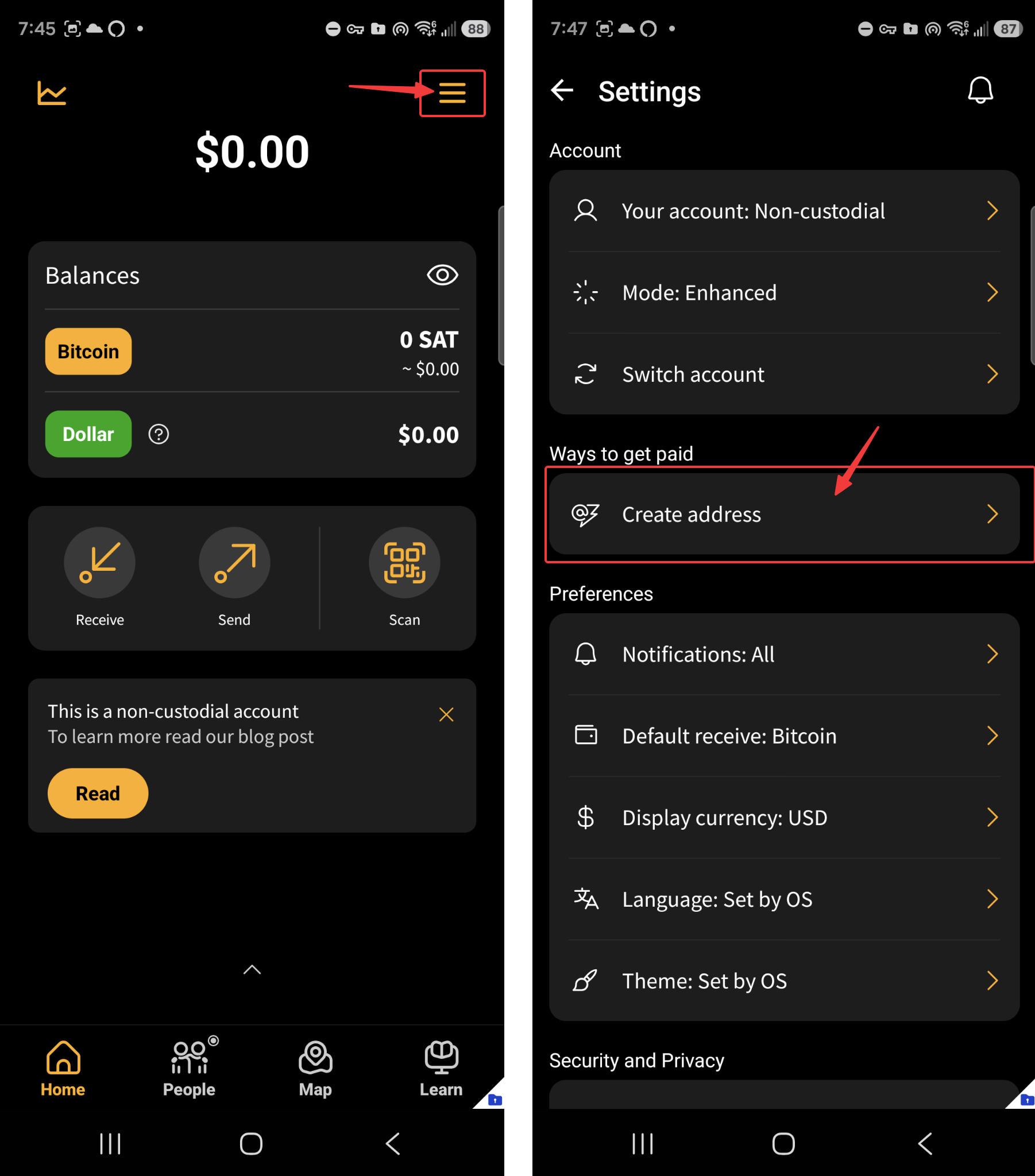
Step 7: From the menu, select "Create Address."
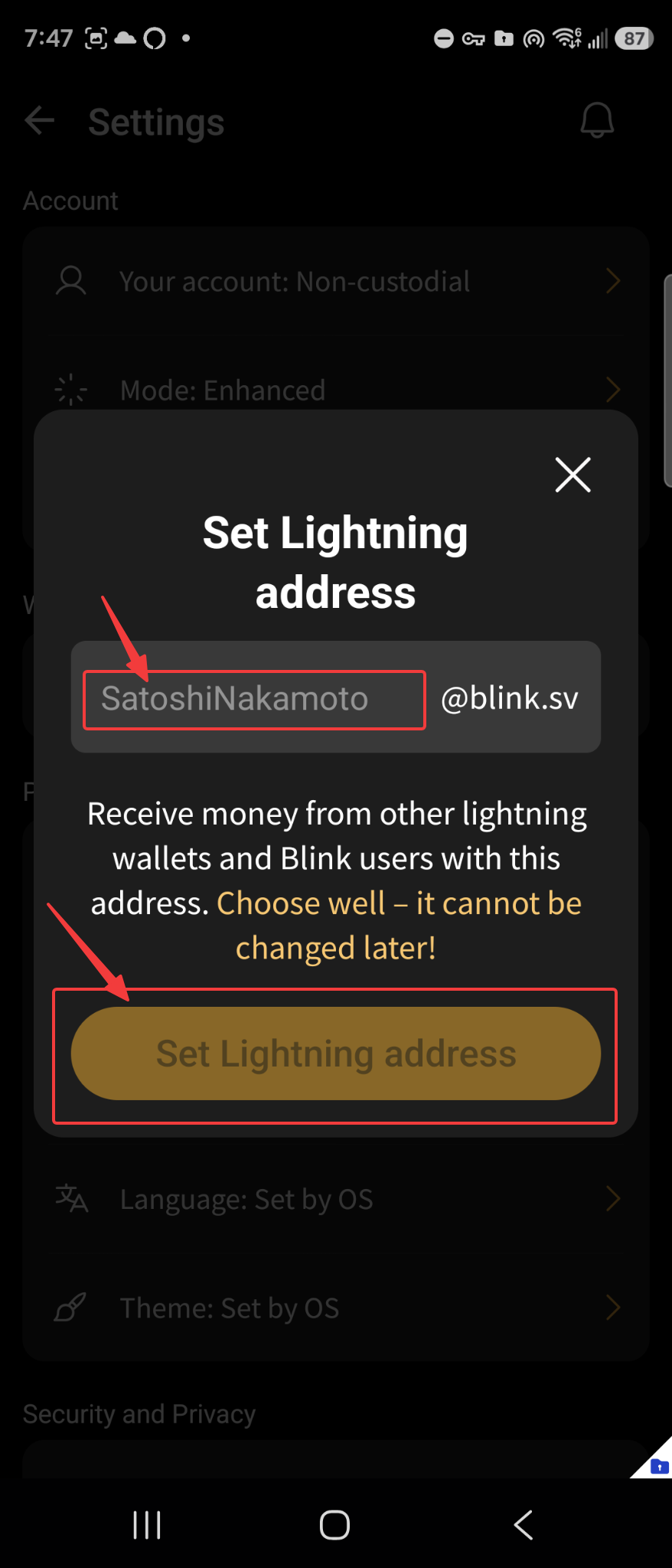
Step 8: Choose your unique Blink lightning address.
You're done!
Drop us an email at support@eclairbtc.freshdesk.com and let us know your new Blink lightning address. We'll connect it to your ÉclairBTC Point of Sale.
Whenever a customer uses your ÉclairBTC Point of Sale and pays with Bitcoin, the payment will be sent automatically and directly to your Blink wallet — giving you immediate control of your funds.
If you have any questions or need assistance, contact us anytime at support@eclairbtc.freshdesk.com.
Learn more about your automatic receipts
Learn more about fees, receiving, and moving Bitcoin
Was this article helpful?
That’s Great!
Thank you for your feedback
Sorry! We couldn't be helpful
Thank you for your feedback
Feedback sent
We appreciate your effort and will try to fix the article